Google Disco GenTabs: Transform Tab Chaos into AI-Powered Workspaces

Table of Contents
- Introduction: From tab chaos to AI workspaces
- What is Google Disco and GenTabs?
- How GenTabs works in simple terms
- Getting started: Access, install, and onboarding
- The GenTabs interface: Anatomy of an AI-built app
- Use case 1: Trip planning and travel research
- Use case 2: Research and learning (students, SEOs, analysts)
- Use case 3: Comparison shopping and decision-making
- Editing and iterating on a GenTab
- Performance, stability, and limitations
- Privacy and security considerations
- Power-user tricks and advanced workflows
- Comparison table: GenTabs vs traditional tab management vs AI assistants
- Pros and cons of GenTabs
- Who should try GenTabs (and who should wait)
- Conclusion
- FAQs
From tab chaos to AI workspaces
Modern browsing often leads to overwhelming tab overload, with users managing 50+ tabs for complex tasks like research or planning, where traditional browsers fall short in organization and synthesis. Google Disco emerges as an experimental AI browser from Google Labs, introducing GenTabs to convert these chaotic tabs into interactive mini web apps such as planners and dashboards. This comprehensive guide explores GenTabs' mechanics, practical use cases, advantages, drawbacks, and readiness for everyday workflows.
What is Google Disco and GenTabs?
Google Disco serves as an experimental AI-powered browser and web experience developed by Google Labs, designed to innovate browsing beyond static pages. GenTabs, its flagship feature powered by Gemini 3, transforms collections of open tabs into dynamic, interactive mini web apps like trip planners, comparison tools, or study dashboards tailored to user goals.This shift redefines the browser from a mere web viewer to an intelligent assistant that leverages live tab content for custom tool-building.
GenTabs stands out by proactively analyzing tabs and chat history to suggest or generate apps without coding, linking every element back to original sources for transparency.
How GenTabs works in simple terms
Built on a Chromium foundation with integrated Gemini 3 large language model, GenTabs processes open tabs related to a task like trip research or shopping. Users invoke it via natural language prompts describing their goal, prompting the AI to analyze content and assemble structured interfaces with tables, timelines, maps, and widgets. Unlike manual data transfer to tools like Sheets or Notion, GenTabs automates workspace creation directly in-browser.
This flow minimizes context-switching, turning scattered web data into actionable, interactive formats instantly.

Getting started: Access, install, and onboarding
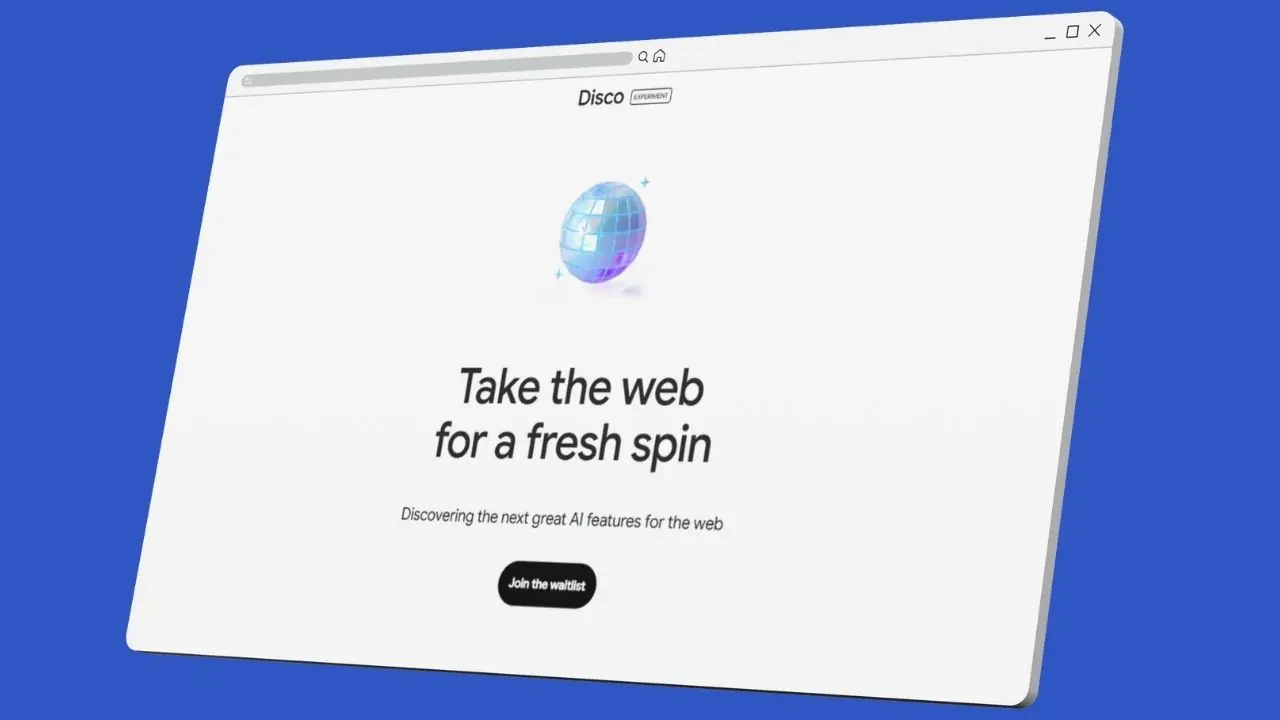
Disco remains an early experiment limited to select users, primarily macOS via Google Labs waitlist at labs.google/disco, not yet broadly available or installable on all platforms. Access involves signing up for early testing; once granted, download the Disco build where GenTabs appears integrated in the UI alongside chat and tabs.
Onboarding includes tutorials for sample projects like meal planners or trip itineraries, with intuitive activation through prompts or buttons for seamless first use.
The GenTabs interface: Anatomy of an AI-built app
A typical GenTab layout features a central content area with cards, tables, timelines, or maps derived from tabs, complemented by side panels for source tabs and chat refinement. Controls enable adding/removing fields, reorganizing sections, and prompt-based tweaks, with easy toggling between raw tabs and the app view.
Design emphasizes clarity and responsiveness, supporting dark/light themes, with direct links jumping back to original pages for verification.
Use case 1: Trip planning and travel research
For multi-city trips, open tabs from blogs, booking sites, and schedules; prompt GenTabs to "create a trip planner," yielding itineraries, cost summaries, hotel lists, and integrated maps. Extraction proves accurate for standard data, with simple tweaks for dates or budgets outperforming basic spreadsheets for casual users.
This replaces fragmented planning apps by consolidating web-sourced info into one interactive dashboard.
Use case 2: Research and learning (students, SEOs, analysts)
SEO specialists or students cluster tabs with blogs, docs, and videos on topics like AI browsers; GenTabs builds "research boards" grouping key points, timelines, and resources.It reduces cognitive load by connecting ideas across sources, handling long-form content adequately though nuanced perspectives may require iteration.
For marketers at firms like Navodaya SEO, this serves as a dynamic note-taking alternative to dedicated apps.
Use case 3: Comparison shopping and decision-making
Open product pages, reviews, and pricing; request a "comparison board" to generate feature tables, pros/cons, and breakdowns with source links.Specs extraction remains reliable, fostering trust for purchases via transparent sourcing.
Ideal for e-commerce decisions, surpassing manual spreadsheets in interactivity.
Editing and iterating on a GenTab
Refine by adding tabs for auto-updates, prompting restructures like "add budget column" or "kanban view," or manually rearranging widgets.Automation shines for initial structures, but intervention matches custom models; clear, task-focused prompts and iterative refinement yield optimal results.
Keep tabs thematic for precision.
Performance, stability, and limitations
Generation speeds vary by tab count, with small sets (5-10) near-instant via cloud Gemini 3, but larger loads increase CPU/RAM during sessions. Early reports note occasional UI glitches or freezes with JS-heavy pages, no major crashes observed.
Limitations include tab volume caps, AI hallucinations, cloud dependency precluding offline use, and experimental inconsistencies.
Privacy and security considerations
GenTabs accesses open tab content and prompts for analysis, raising risks for sensitive data like client SEO audits.Use separate profiles for confidential work, review Google's data policies, and opt out of training where possible.
Best for non-sensitive tasks.
Power-user tricks and advanced workflows
Combine with bookmarks for saved projects; export tables to Sheets; use prompts like "content calendar from SEO tabs" or "decision grid for tools."For teams, screen shares enable collaboration, though dedicated apps suit audited needs.
- Flashcard gen for learning.
- Priority-scored pros/cons.
Comparison table: GenTabs vs traditional tab management vs AI assistants
| Aspect | GenTabs (Google Disco) | Traditional tab managers/groups | Standalone AI assistants |
|---|---|---|---|
| Core function | Convert tabs into interactive mini-apps | Organize and group tabs[web:8] | Answer questions, summarize text |
| Context source | Live browser tabs + prompts | Tabs only | User-input text/files |
| Best use cases | Multi-tab tasks (planning, research) | Tab tidying | Ideation, Q&A |
| Setup effort | Labs waitlist + learn feature[web:7] | Built-in browsers[web:10] | Account creation[web:27] |
| Control vs automation | High auto, medium manual | High manual | No tab awareness |
| Maturity | Experimental | Mature | Mature |
Pros and cons of GenTabs
- Pros: Eliminates manual structuring for complex tasks; converts tab chaos to dashboards; embeds AI in browsing context.
- Cons: Experimental inconsistencies; limited access; privacy/reliability issues for stakes.
Who should try GenTabs (and who should wait)
Students, SEOs, marketers handling tab-heavy workflows, and early adopters benefit most from GenTabs' productivity boosts.Privacy-focused pros or stability seekers should wait for maturity.
Navodaya SEO experts find it valuable for keyword research clusters.
Conclusion: Is GenTabs the future of browsing?
GenTabs boldly pioneers AI-native browsers transcending page display via tab synthesis. Adopt as a side tool for projects now; monitor for primary use post-improvements in stability, mobile, privacy, and collaboration.
Agentic evolution hinges on these enhancements for mainstream viability.
FAQ: Google Disco GenTabs
Q1: What is Google Disco GenTabs in one sentence?
GenTabs is an experimental AI feature in Google’s Disco browser that turns groups of open tabs into interactive mini web apps for tasks like planning, research, and comparisons.
Q2: How do I access Google Disco and GenTabs?
Disco is currently a limited experimental browser available via Google Labs, initially rolling out to a subset of desktop users (starting with macOS), and GenTabs lives inside this Disco build rather than in regular Chrome.
Q3: Can I use GenTabs inside normal Chrome right now?
No, GenTabs is not a standard Chrome feature yet and is only present in the Disco experimental browser, so regular Chrome users cannot enable it via flags or extensions at this time.
Q4: What kinds of tasks does GenTabs work best for?
GenTabs is strongest when you have many related tabs for a single task, such as trip planning, topic research, comparison shopping, or building simple project dashboards, where it can restructure the information into tables, lists, and timelines.
Q5: Is GenTabs safe for sensitive or confidential work?
GenTabs relies on AI models that analyze the content of your open tabs and prompts, it is better suited for non‑confidential workflows, and users handling sensitive client, legal, or financial data should consult Google’s data‑usage documentation and consider using a separate browser for that work.
Q6: Does GenTabs replace tools like Notion, Sheets, or Trello?
GenTabs can reduce the friction of creating planners and dashboards from web research, but it does not yet offer the depth, collaboration features, and long‑term data management of full productivity platforms, so it is more of a front‑end generator than a total replacement.
Q7: What are the biggest limitations of GenTabs right now?
Current constraints include limited availability, desktop‑only support in early testing, occasional AI mistakes or layout issues, and a reliance on cloud processing, which affects both reliability and privacy for certain use cases.
Q8: Who is Google Disco GenTabs best suited for?
Early adopters, students, researchers, marketers, and other knowledge workers who routinely manage complex multi‑tab workflows are the ones most likely to benefit from GenTabs in its current experimental state.