10 Overlooked Steps to Simplify Your E-Commerce Setup
Starting an e-commerce business is exciting — but overwhelming. Many beginners rush into building an online store without realizing that small overlooked steps end up costing time, money, and conversions down the line. In this post, I'll walk you through 10 overlooked steps to simplify your e-commerce setup. Most new store owners skip these — and that's often where things start to break.
Table of Contents
- 1. Define a Clear E-Commerce Strategy
- 2. Choose the Right Platform
- 3. Optimize Website Design for UX & Mobile
- 4. Simplify Product Management
- 5. Streamline Payment & Checkout Process
- 6. Automate Shipping & Fulfillment
- 7. Set Up Legal & Tax Essentials (Beginners Often Miss This!)
- 8. Integrate Marketing Tools from Day One
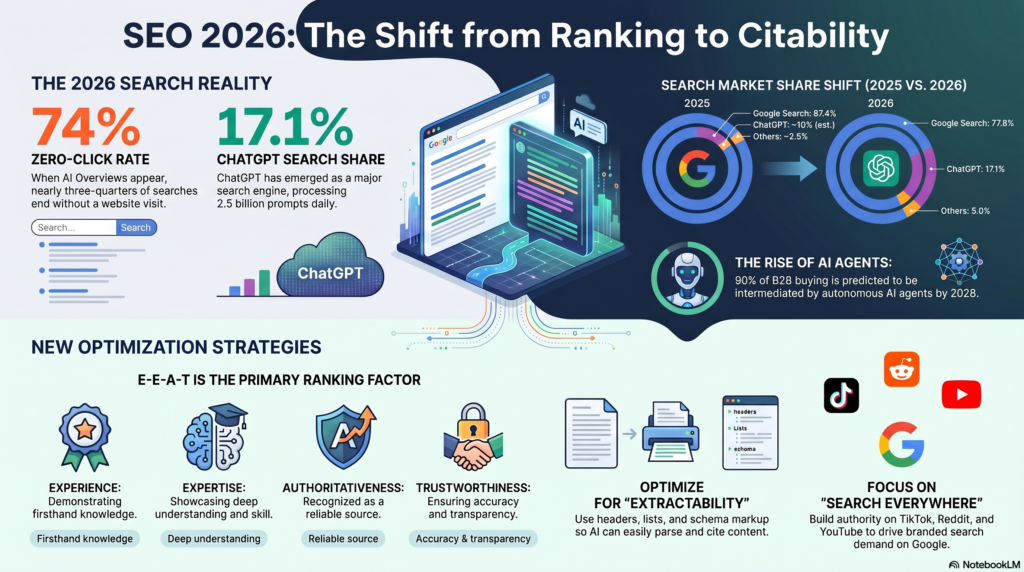
- 9. Optimize for SEO & Conversion Rate
- 10. Test, Analyze & Simplify Regularly
- Frequently Asked Questions

1. Define a Clear E-Commerce Strategy
Your journey should begin before you even pick a platform or upload your first product. Sit down and clarify your business plan, your target audience, your revenue model, and your goals. Ask yourself:
- Who is your ideal customer?
- Which niche will you focus on?
- What is your value proposition?
- Are you aiming for high volume low-margin, or premium products with higher margins?
Documenting your strategy early will save you from costly pivots later. Use tools like SWOT analysis, customer persona worksheets, and competitor research. This step builds the foundation of your e-commerce strategy, tying into your brand voice, product selection, pricing, and even your marketing plan.
2. Choose the Right Platform
Picking the right e-commerce platform is crucial. Options like Shopify, WooCommerce, BigCommerce, Magento, or others each have strengths and trade-offs. Consider:
- Ease of setup vs flexibility
- Cost of apps / plugins
- Scalability & performance
- Availability of integrations (payment gateways, shipping, inventory tools)
- SEO friendliness and support / community
Choosing the wrong platform can create hidden complexity later, such as limit on SEO optimization, slow page load times, or difficulty integrating essential tools.

3. Optimize Website Design for UX & Mobile
Once your strategy and platform are settled, focus on user experience (UX). A clean design, mobile-first responsiveness, and fast load times should be non-negotiable. Why? Because:
- More than half of your visitors may be on mobile devices.
- Google's Page Experience metrics and Core Web Vitals impact search rankings.
- Poor UX leads to higher bounce rates and lower conversions.
Select a responsive theme or template, test on different screen sizes, and ensure that images, layout, and navigation are intuitive. Optimize images, use lazy-loading where needed, and minimize bulky scripts.

4. Simplify Product Management
As your catalogue grows, effective organization becomes essential. Simplify product management by:
- Consistent naming / SKU conventions
- Proper product categorization and filters
- High-quality product images (optimized for web)
- Using automation or plugins for inventory tracking
- Setting up variants (size, colour, etc.) in a scalable way
This helps you avoid chaos later, especially if you scale up, add new product lines or inventories across multiple channels.

5. Streamline Payment & Checkout Process
The checkout is one of the most friction-prone areas. Even minor confusion or extra steps can lead to cart abandonment.
To simplify your checkout process:
- Offer guest checkout (no forced account setup)
- Show progress indicators
- Support multiple payment gateways (credit / debit cards, wallets, UPI / local payment if targeting your region)
- Use SSL and clearly show trust badges
- Keep forms minimal (only essential fields)
Every extra click or confusing step reduces your conversion rate, so audit your checkout flow from a fresh-eyes user perspective.

6. Automate Shipping & Fulfillment
Many beginners don't think ahead to how orders will be shipped or fulfilled once sales pick up. Manual shipping becomes a nightmare as order volume grows. Instead:
- Integrate shipping-automation tools (e.g. third-party shipping providers, APIs, plugins)
- Enable real-time shipping rates
- Automatically generate shipping labels and tracking information
- Define clear shipping policy pages (charges, timelines, returns)
This reduces errors, speeds up processing time, and improves customer satisfaction. A streamlined shipping & fulfillment system is often what separates an amateur operation from a truly scalable e-commerce business.

7. Set Up Legal & Tax Essentials
This is the infamous "#7" that many skip, but getting legal and compliance right early saves headaches, fines, or store suspensions later. Key tasks include:
- Registering your business or company legally (depending on local laws)
- Setting up Terms & Conditions, Privacy Policy, Cookie Policy pages
- Understanding local/international sales tax / GST rules
- Complying with consumer protection regulations (returns, refunds, data handling)
- Ensuring that you meet any licensing or regulatory requirements for your products (especially if you sell food, cosmetics, electronics etc.)
Even if you're starting small, get professional or legal advice (or use a reliable template) to ensure these documents and registrations are in place. It builds trust for your customers, too.

8. Integrate Marketing Tools from Day One
Marketing isn't something you tack on later — build it in from the start. Early integration helps you scale faster and measure performance more accurately. Consider configuring:
- Email marketing system (Mailchimp / Klaviyo / others)
- Analytics tools (Google Analytics / GA4 / alternative)
- Retargeting & advertising integration (Facebook Pixel / Meta Conversions / Google Ads)
- SEO tools or plugins (e.g. Yoast, RankMath for WordPress / WooCommerce)
- Customer feedback & review tools
By integrating marketing tools early, you avoid messy retrofits later and can start collecting user data, building email lists, and tracking behaviour right from launch.

9. Optimize for SEO & Conversion Rate
Search engine optimization (SEO) and conversion rate optimization (CRO) go hand-in-hand. Even if your setup is functional, it won't work if no one sees or trusts it. Key optimizations include:
- On-page SEO: write unique title tags, meta descriptions, use alt-text for images
- Use schema markup (e.g. product schema, structured data for reviews, breadcrumbs)
- Create blog content or resource pages to capture long-tail keywords
- Run A/B testing for CTAs, buttons, layouts (e.g. add trust badges, color optimisation)
- Monitor metrics like bounce rate, average session time, conversion events
Regularly review SEO performance & user behaviour to refine your pages. Small tweaks can lead to big uplift in search rankings and sales over time.

10. Test, Analyze & Simplify Regularly
Your e-commerce setup is not "done" once you hit launch. Simplification is an ongoing process. Here's how to keep improving:
- Run usability tests with real users or friends
- Benchmark your page speed (desktop & mobile), Core Web Vitals
- Track conversion funnels (where do people drop off?)
- Schedule periodic "cleanup" of redundant plugins / apps
- Review business metrics (average order value, return rate, customer feedback) and refine accordingly
Refine your setup once a month or quarter — simplify flows, remove friction, improve content, and discard anything that's not adding value. Continuous improvement is what separates high-growth stores from stagnant ones.
Key Takeaway
Success in e-commerce comes from getting the fundamentals right. By focusing on these often-overlooked steps, you'll build a stronger foundation, avoid common pitfalls, and create a business that's positioned for sustainable growth.
Conclusion
Launching an e-commerce store is thrilling — but success depends on how well you build its foundation. By following these 10 overlooked steps, you'll reduce friction, avoid common beginner mistakes, and create a scalable, conversion-friendly business. Remember, (legal & tax essentials) is often the one people skip, but it's also one of the most critical.
Ready to simplify your store setup? Start with your strategy document today, and move methodically through each step. Your future customers will thank you.
Frequently Asked Questions
While all steps are important, defining a clear e-commerce strategy (Step 1) is foundational. Without a solid strategy, you may make poor decisions about platform selection, product offerings, and marketing approaches that could cost time and money to fix later.
For absolute beginners, Shopify is often the easiest to start with due to its user-friendly interface and all-in-one approach. WooCommerce (for WordPress users) offers more customization but requires more technical knowledge. BigCommerce strikes a balance between ease of use and advanced features.
Costs vary significantly based on platform, features, and scale. A basic store might cost $30-100/month for platform fees, plus additional costs for domains, themes, and apps. Budget at least $500-1000 for initial setup, excluding inventory and marketing expenses.
Legal compliance protects your business from fines, lawsuits, and platform suspensions. It also builds customer trust. Key areas include privacy policies (required by laws like GDPR and CCPA), terms of service, refund policies, and proper tax collection and remittance.
A basic store can be set up in 1-2 weeks, but a fully optimized store with all integrations, legal pages, and marketing tools typically takes 4-8 weeks. The timeline depends on product complexity, customization needs, and how quickly you can create quality content and images.
The most common mistake is focusing too much on the website design and not enough on marketing and customer acquisition. Many beginners also underestimate the importance of product photography, descriptions, and the checkout experience - all critical conversion factors.